
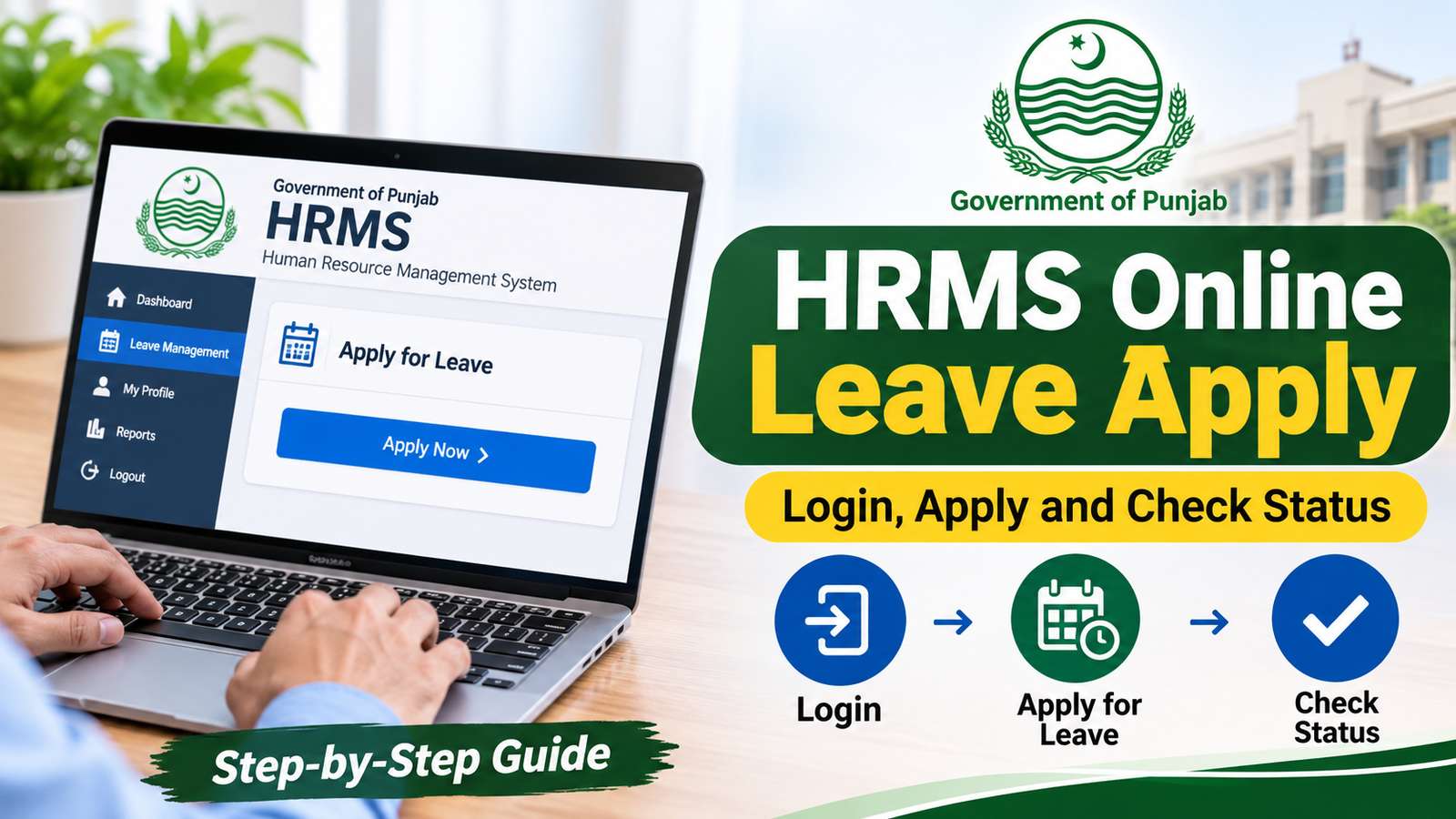
All Government Teachers and Administrative staff of a School Education Department (SED) Punjab working under the School Education Department must submit leave applications online via Human Resource Management System (HRMS) Punjab portal (hrms.punjab.gov.pk). The leave module of HRMS system is introduced to simplify the record keeping process in the department, and also to avoid delay in getting leave records of the employee as it is connected to School Information System (SIS) and will show the available balance of leave in real-time and the employee’s service record and current posting in the school.
HRMS Online Leave Apply
HRMS Online Leave Quick Overview
| Feature | Details |
| Department | School Education Department (SED), Punjab |
| Official Portal | sedhr.pesrp.edu |
| Posted By | aiouenrollment.com.pk |
| Eligible Users | Registered SED Punjab teaching and non-teaching staff |
| Login Requirement | CNIC (without dashes) and HRMS password |
| Application Mode | 100% Online via HRMS Dashboard |
| Supported Leave Types | Casual, Earned, Medical, Maternity/Paternity, Ex-Pakistan, Study/EOL |
| Application Fee | Free (No fee required) |
| Tracking Method | Online via the Leave History / My Applications tab |
Also Read: Pak Navy Merit List 2026
Types of Leave Available on HRMS
The HRMS portal allows you to use multiple types of leave as follows, depending on your service rules and leave balance:
- Casual Leave: Leave taken for brief urgent personal reasons (only allowed up to a certain amount per year).
- Earned Leave: Leave granted by way of length of service; either full pay or half pay.
- Medical Leave: Leave for medical reasons, based on a medical certificate signed by an authorised medical officer.
- Maternity / Paternity Leave: Eligible female and male employees can avail the maternity / paternity leave as per service rules of Punjab government.
- Ex-Pakistan Leave: Required for trips away from Pakistan, depending on permission from departmental NOC and higher authorities.
- Study Leave / Extraordinary Leave (EOL): Long-term leave regulated by conditions within the department and verification.
Required Documents Before Applying
Just before logging into your HRM account, you should keep the following information handy to ensure you are not filling out incomplete forms:
- HRMS Login Credentials: CNIC Number and registered Password.
- Exact Leave Dates: Leave Start Date, End Date, and Total Leave Days.
- Reason for Leave: A concise and exact reason for your leave.
- Supporting Document (Scanned PDF/JPG): Medical Certificate (Medical Leave), Travel/NOC Document (Ex-Pakistan Leave) or Official Invitation/Orders (if applicable).
- Contact Details During Leave: Mobile phone number & Residential address on leave.
How to Apply Online Leave on HRMS
To submit leave application via the official SED Punjab HRMS portal, follow these steps:
- Open the Official Portal: Go to the official School Education Department Punjab Human Resource Management System (hrms.punjab.gov.pk) and enter your CNIC (without a hyphen) and password to log in.
- To open Leave Section: In the Dashboard, click on the left-hand menu and select Leave Management or Apply for Leave.
- Select Leave Type: From the drop down list, select the leave type (e.g. Casual Leave, Earned Leave, Medical Leave). If applicable, the system will show you your leave balance.
- Enter Leave Dates: Fill in the From Date and To Date. Ensure that the number of days is correct, including weekends or gazetted holidays as per departmental guidelines.
- Leave Details: Type in the reason for the leave, and station leave permission (if you are leaving your duty station) and your contact address/phone number while you are on leave.
- Supporting Attachments: When applying for medical or maternity leave or any other special leave, upload a clear scanned copy of the medical certificate or document required.
- Review and Submit: Double check dates, spelling and attached documents. To forward your application to your reporting officer (Head Teacher, Principal, AEO or DEO based on your scale and leave period).
How to Check Leave Application Status
Once you’ve submitted your request, you can track its progress online without having to go to district offices:
-
Go to Leave History or to My Applications on HRMS dashboard.
-
Review the status column to see if your request is pending, forwarded, approved or rejected during its journey through the checks.
-
When approved, download or print the digital sanction order directly from the portal, to your personal and school service record.
Frequently Asked Questions
Can I cancel or edit a leave application after submitting it on HRMS?
If it is still pending with the reporting officer, it is likely that you have the ability to withdraw or cancel your application from the Leave History tab.
What should I do if I forget my HRMS password?
The Forgot Password link on the official HRMS login page can be used to reset the password using a registered mobile number/email or by contacting the head of the school / district IT focal person.
Is a hard copy still required after applying online?