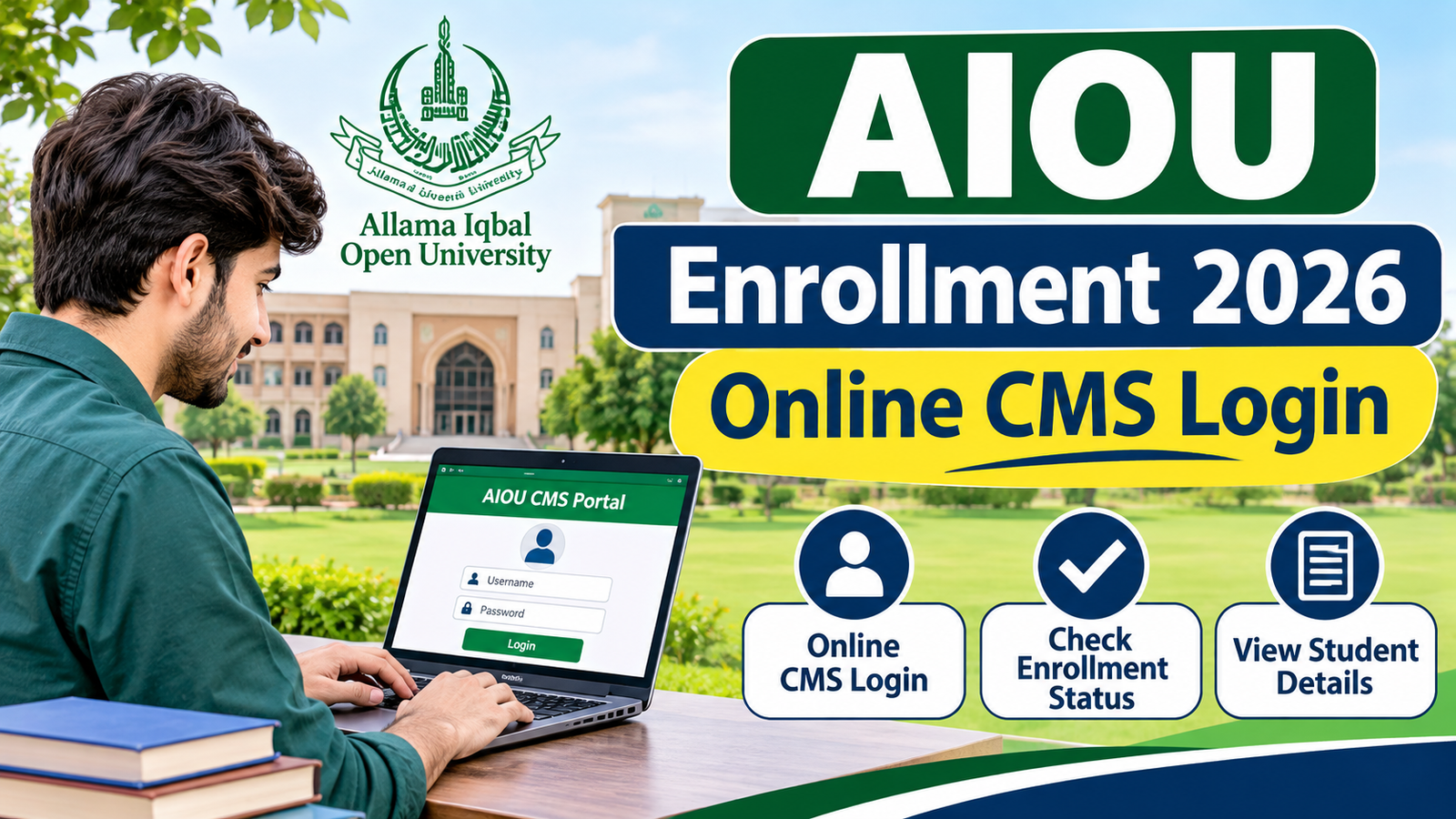
Allama Iqbal Open University (AIOU) has a dedicated Campus Management System (CMS) to simplify academic and administrative activities for Allama Iqbal Open University continuing students in Pakistan and abroad. All students from the 2nd semester onwards are required to use the official CMS Portal (enrollment.aiou.edu.pk) for managing their academic progression, as opposed to fresh applicants who need to apply through the Online Admission System (OAS). Using this centralized online dashboard, the student can select and enroll for upcoming semesters, generate fee challans, apply for re-appear exams, view official exam results and grade history and submit online Student Service Requests without campus visit.
AIOU CMS Login 2026
AIOLT CMS Enrollment Portal can be accessed directly at the enrollment.aiou.edu.pk. This is an Oracle PeopleSoft portal to enroll in the course, view results and download roll number slip for continuing students of Allama Iqbal Open University.
AIOU Enrollment 2026 Quick Information
| Feature / Aspect | Fresh Admission | Continuing Enrollment |
| Target Audience | New students applying for Semester 1 | Existing/continuing students entering Semester 2+ |
| System/Portal | Online Admission System | Campus Management System |
| Portal Access | Official AIOU website | aiou.edu.pk |
| Authentication | New application registration | CMS Student ID & Password |
| Core Functions | Application, eligibility, prospectus & 1st semester fee | Course registration, tutor details, grades, transcripts, assignments |
| Posted By | Website | aiouenrollment.com.pk |
| Current Term | Autumn 2026 | Autumn 2026 |
Official AIOU CMS Portal and Current 2026 Status
- Official University website: aiou.edu.pk
- AIOU Student Support Centre: https://studentsupport.aiou.edu.pk/
- Spring 2026 Continuing Enrollment is closed with the extended deadline being February 25, 2026.
- Autumn 2026 Enrollment deadline (Continuing ODL Students): October 19, 2026 (The university has extended the enrollment deadline for continuing ODL students for Autumn 2026 until October 19, 2026).
- There are no official dates for spring 2027 Continuing Enrollment yet.
- The CMS portal is still active with the main objective of checking grades, viewing the course history, downloading challans, submitting on-line Student Service Requests, etc. as regular enrollment windows for the 2026 academic sessions are over.
How to Sign In to AIOU Enrollment CMS Portal
AIOU provides the students with their CMS User ID and Password through system generated SMS and e-mail message upon confirmation of admission in the students for the first semester.
- Go to the official CMS login page (https://enrollment.aiou.edu.pk/ or open www.aiou.edu.pk and click on Enrollment (CMS)).
- In the first box enter your User ID (assigned AIOU student ID).
- Enter your Password correctly (passwords are case sensitive).
- Sign In to access your student dashboard.
How to Enroll in Courses via CMS (When Enrollment Opens)
Please log in enrollment.aiou.edu.pk and click Course Registration title.
- Type Academic Level in the search bar and click on the search icon on the right then choose the active semester you are taking (or click on Re-appear if you have failed to appear for an exam).
- To view the courses available for your program, click Add New Request.
- Make a list of compulsory and elective subjects needed. Check to make sure that you are not taking courses that you have already completed.
- Click on Add Courses, check the credit hours and fee total, and then select Print Invoice to download your fee challan.
- Make payment using any of the designated bank/branchless banking/mobile wallet channels for the generated challan before the due date.
Note: Important do not create multiple fee challans for the same enrollment request. AIOU official guide of CMS says that whenever a new invoice is generated, the previous one is cancelled.
How to Recover a Forgotten CMS Password or User ID
If you are unable to log into your CMS account, use the official recovery options:
- Password Reset: At enrollment.aiou.edu.pk login screen click on Forgot Password and provide your CMS Student ID, confirm the OTP and you’ll get a temporary password in your registered email.
- No Credentials: If you did not receive your User ID or ported over your mobile network (changed your SIM), please contact the AIOU Helpline 051-111-112-468 or email adms@aiou.edu.pk or submit a ticket on http://support.aiou.edu.pk.
FAQs
What is the official link for AIOU Enrollment 2026 CMS login?
The official CMS login URL of Allama Iqbal Open University is https://enrollment.aiou.edu.pk/.
Is AIOU Autumn 2026 enrollment for continuing students still open?
No. Continuing students had been extended until October 19, 2026, to enroll for the Extended course in the Autumn 2026 semester. Students who are awaiting for the next intake would have to wait for the official Spring 2027 Schedule.
Do I need to submit a fresh admission form for my next semester at AIOU?
No. After admitting to an AIOU degree/certificate program, enrollments are required for proceeding to the next term on the CMS system using the same Student ID.
Can I update my personal details or change courses through CMS?